Project-management data is structured for maintaining work. Leadership and cross-functional partners also need a way to scan priorities, find relevant initiatives, and understand relationships across the portfolio.
API-Connected Internal Platform · Live Data
Digital Experience Roadmap
A clearer product view of a complex digital roadmap, connected to the system teams already use.
- Organization
- Lincoln Center for the Performing Arts
- Status
- Live Data · Internal Platform
- Role
- Product Designer and Developer
- Period
- Current
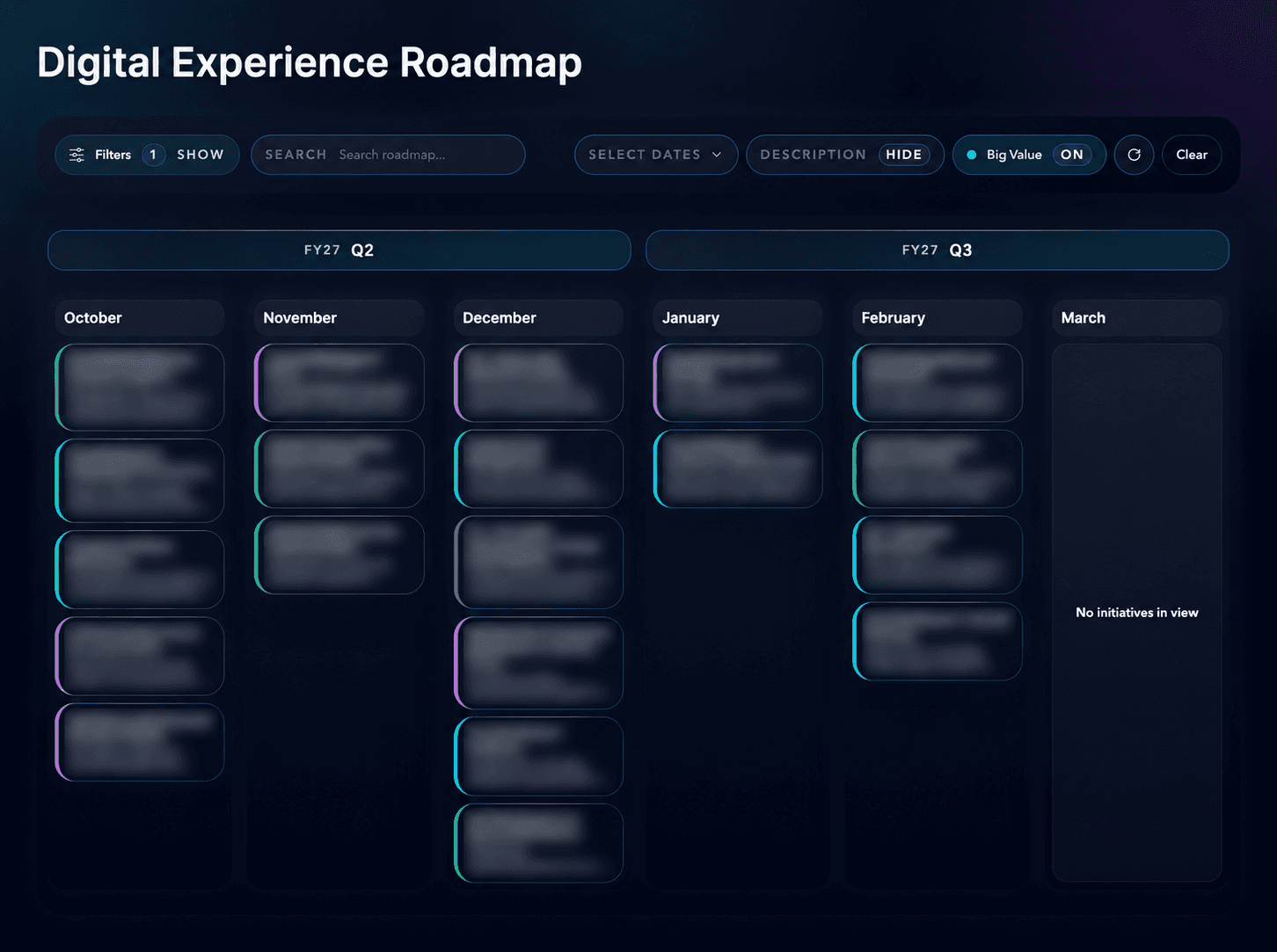
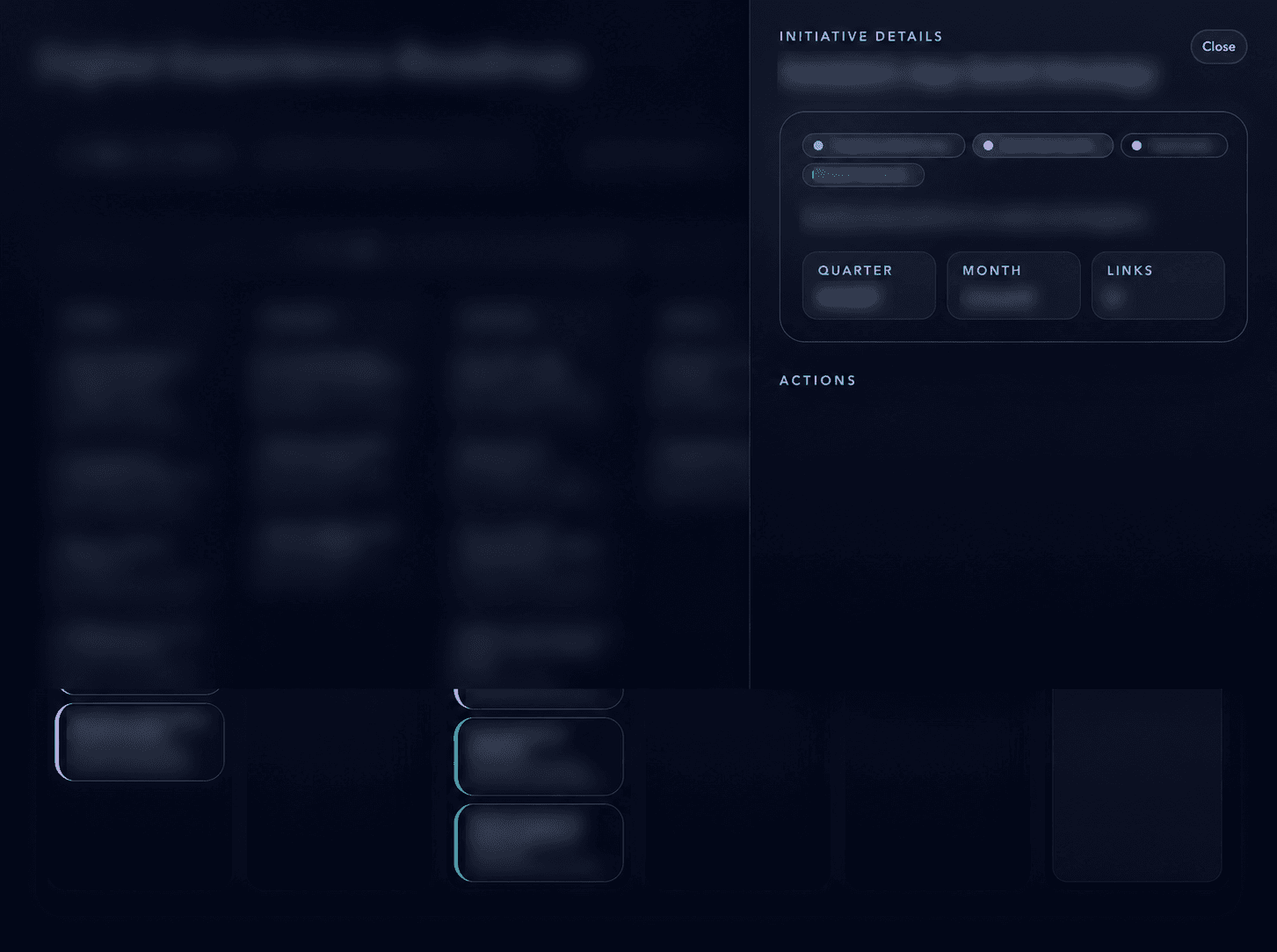
Overview
A desktop product for seeing digital work as a connected portfolio.
The Digital Experience Roadmap turns synchronized project information into a focused interface for searching, filtering, and understanding work across the digital portfolio.
My role
Product Designer and Developer
I designed and built the desktop application in React and Next.js, integrating with the Monday.com API so roadmap information could remain synchronized with the organization’s existing project-management system.
In collaboration withProduct · Engineering · Digital stakeholders
- Product framing and information architecture
- Desktop interaction and interface design
- React and Next.js implementation
- Monday.com API integration
Experience principles
Make the portfolio easier to read without creating another source of truth.
- 01Connect rather than duplicate
- 02Make priorities legible
- 03Support different questions
- 04Design for portfolio review
- 05Protect confidential information
Challenge
Roadmap information existed, but the portfolio needed a clearer view.
Turning roadmap data into a product
The application creates a purposeful reading layer over existing data.
Rather than duplicating the roadmap, the product presents synchronized information in a desktop interface designed around discovery and shared understanding.
Information architecture and interaction
A complex portfolio becomes a navigable set of signals.
The interface organizes roadmap information so users can move from a broad view into the initiatives most relevant to their question or area of work.
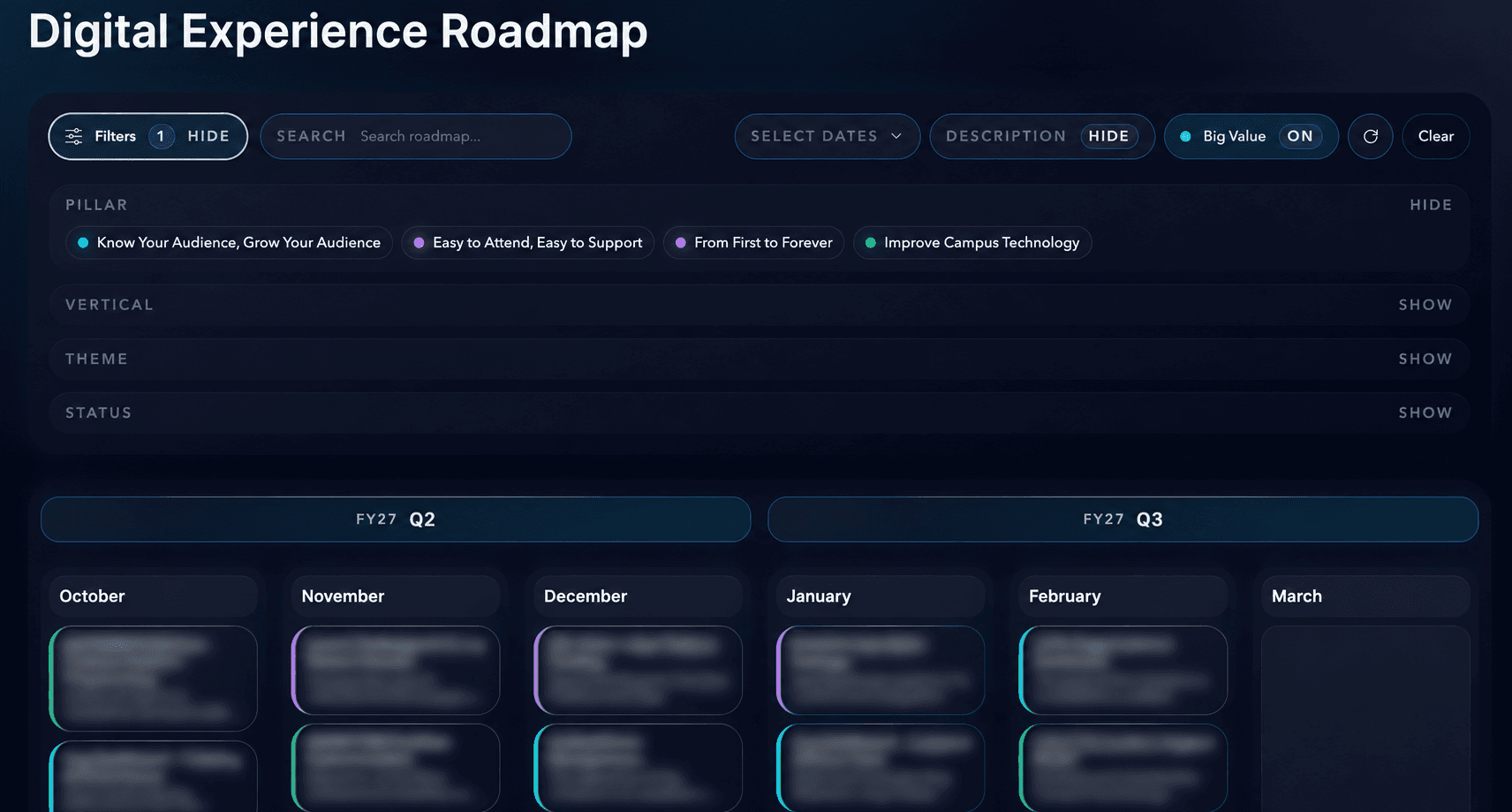
Search, filtering, and prioritization
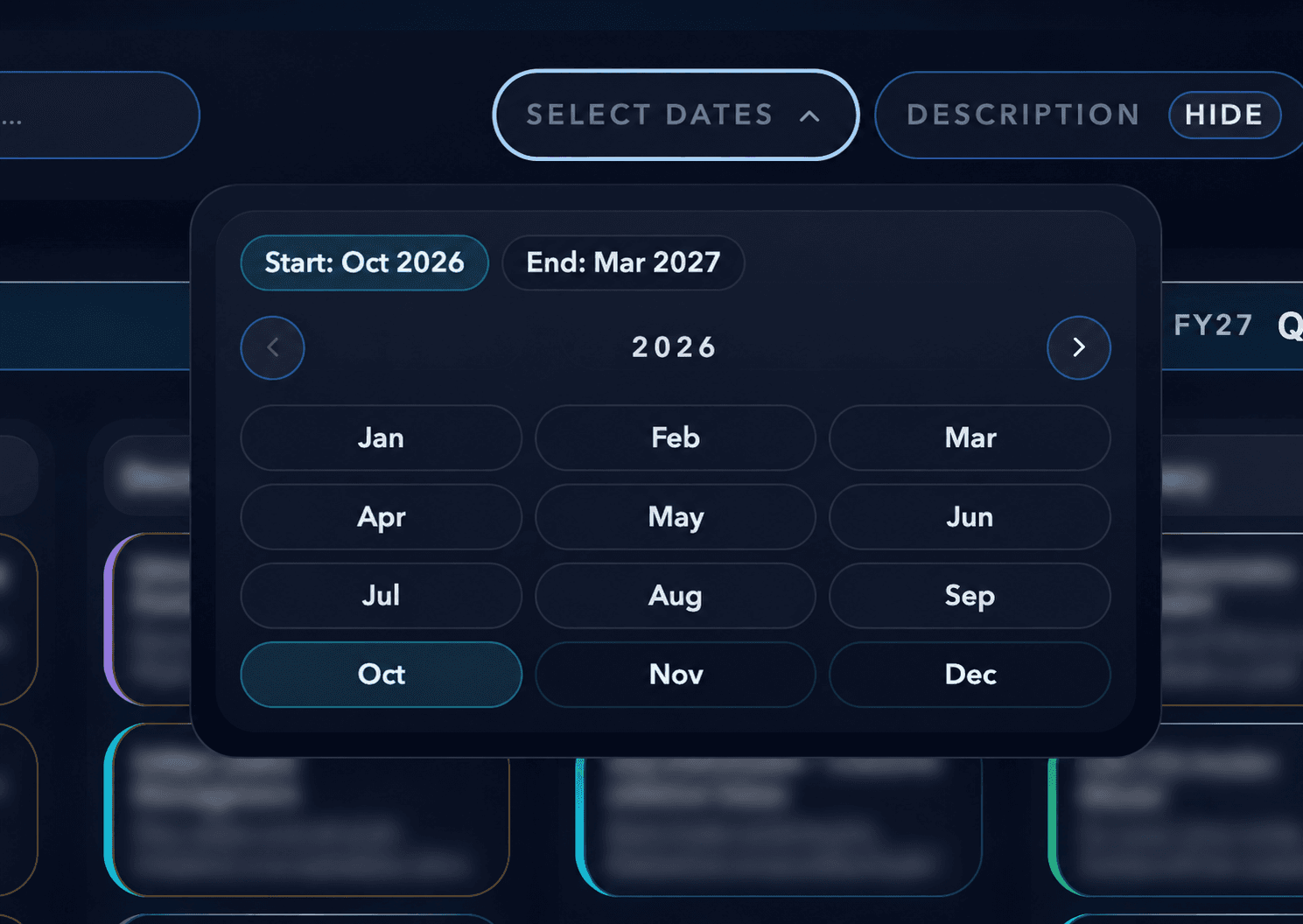
Different questions require different views of the same work.
Search and filtering help people narrow the portfolio while the visual hierarchy keeps priority and context visible. Final screenshots will show these patterns with confidential information removed.
Monday.com API
Connected data avoids a parallel maintenance burden.
The application uses the Monday.com API so the presentation layer can stay aligned with the organization’s existing project-management system. No private credentials or roadmap data are included in this portfolio case study.
Desktop product
Dense planning information is given the room it needs.
The product is designed as a focused desktop planning and portfolio-review environment, keeping complex roadmap information scannable in meetings and working sessions.
Current outcome
A working internal product connected to live operational data.
The application provides a clearer way to explore the digital portfolio while leaving project maintenance in the system already used by the organization.
Reflection
Internal products deserve the same clarity as audience-facing experiences.
A thoughtful interface can make operational information more legible without pretending to replace the systems and practices that produce it.